How to Download Snapchat Videos and Spotlights?
Snapchat videos and Spotlights are full of trends, creativity, and viral clips. However, the Snapchat app does not provide a direct way to save them. StoryGrab makes downloading these videos quick and simple. Use the Snapchat Video Downloader to save your favorite videos, stories, and spotlights instantly.
With StoryGrab, you can save any public Snapchat video or Spotlight in MP4 format and HD or 4K quality. It works entirely online in your browser, with no software or registration required.
Download Snapchat Videos on Android
Follow these steps to download videos or Spotlights on Android:
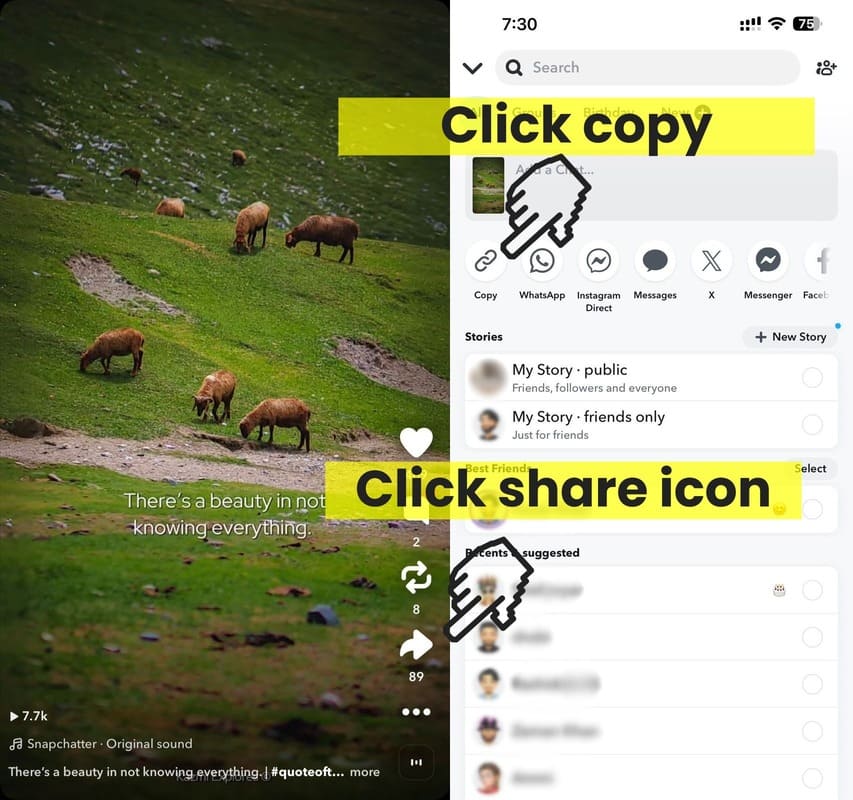
- Open the Snapchat app and find the video or Spotlight you want to save.
- Tap the Share icon and select Copy Link.
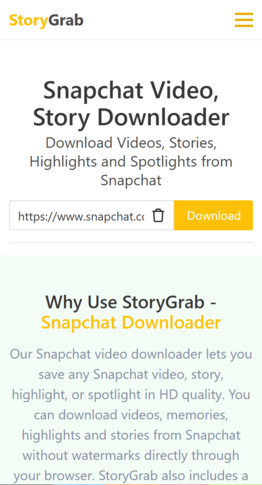
- Open StoryGrab.io in Chrome or your preferred mobile browser.
- Paste the copied link into the input box and tap Download.
- Choose the quality (HD, 2K, or 4K) and save the file. The video will appear in your phone’s Downloads or Gallery folder.

Tip: StoryGrab always retrieves the original Snapchat file with sound for the best playback quality.
Download Snapchat Videos on iPhone
You can use the same simple process to download videos and Spotlights on iPhone or iPad:
- Open the Snapchat app and copy the link to the video or Spotlight you want to save.
- Launch Safari and visit StoryGrab.io.
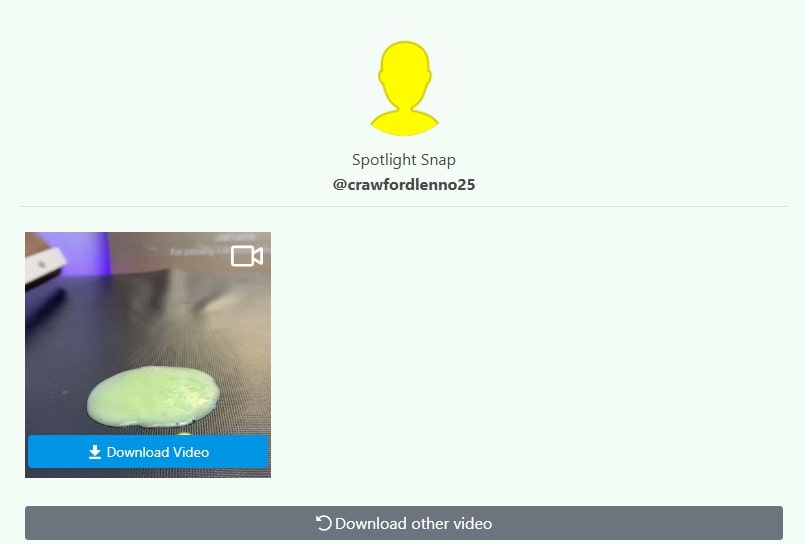
- Paste the copied link into the box and tap Download Video.
- When the file finishes downloading, open Files → Downloads and select the video. Tap and hold, then choose Share → Save Video to move it to your Photos app.
For older iOS versions (iOS 12 and below), install Documents by Readdle and use its internal browser to visit StoryGrab.io.
Download Snapchat Videos on PC
If you prefer to download Snapchat videos or Spotlights on your computer:
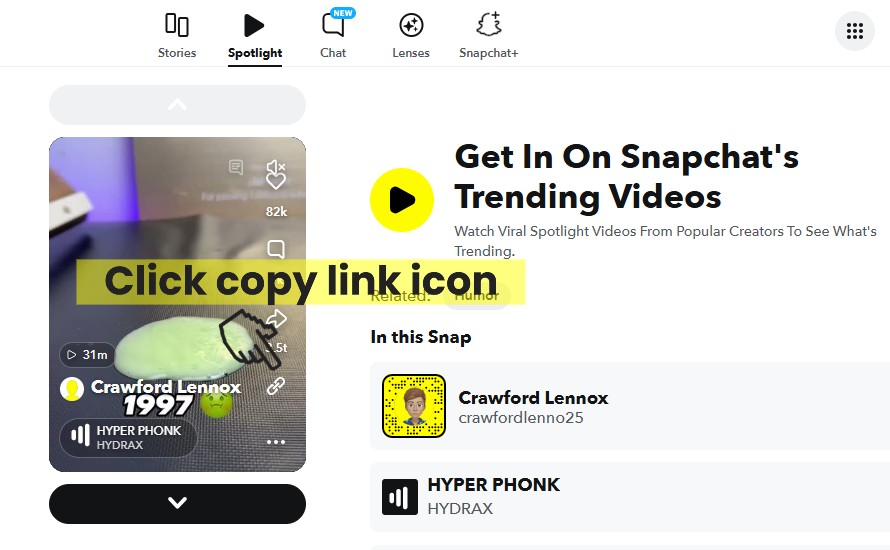
- Copy the Snapchat video or Spotlight link from the app or Snapchat Web.
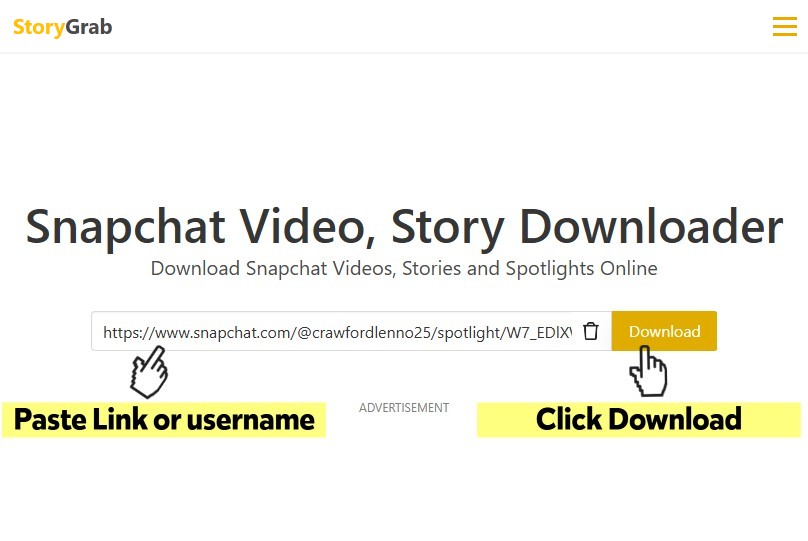
- Open StoryGrab.io in Chrome, Firefox, or Edge, paste the link, and click Download Video.
- Choose your preferred quality and save the video to your Downloads folder.
Why Use StoryGrab for Snapchat Videos
- Downloads both regular videos and Spotlights.
- Supports HD, 2K, and 4K MP4 format with full sound.
- Works in all browsers on Android, iPhone, and PC.
- No login, no watermark, and no installation needed.
- Free, private, and secure for all users.